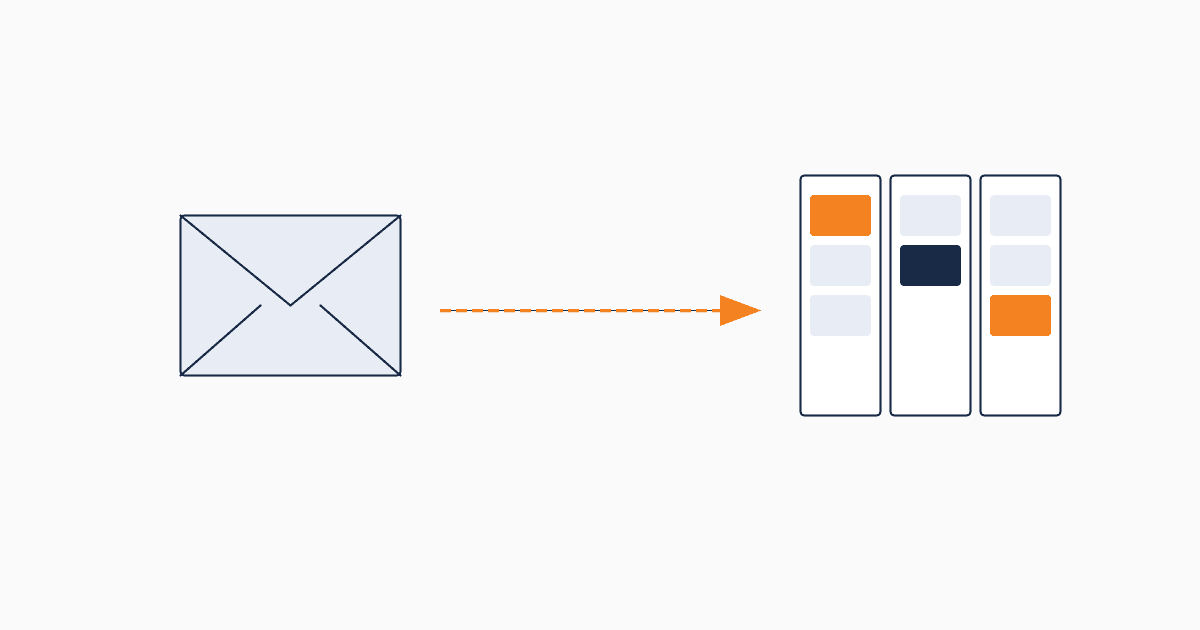
Mailchimp built a great email tool. Then it added "audiences" and "tags" and started calling itself a CRM. For most users on the free or Standard tier, the CRM features feel like a bonus. For marketing teams who've been growing, they start to feel like the wrong shape for the job.
This article isn't about Mailchimp being bad. It's about the moment most marketing teams realize they've been using a screwdriver to drive nails — and what to do when they hit that moment.
What Mailchimp does well
Mailchimp at its best is one of the cleanest email tools on the market.
- Drag-and-drop email builder that produces deliverable, mobile-friendly emails
- Audience segmentation that works for basic list slicing
- Reliable deliverability across most B2B and B2C contexts
- Decent landing page and signup form tools for an email-first stack
- Free tier covers up to 500 contacts (was 2,000 before 2023)
- Transactional API for product emails
If your primary marketing motion is content + newsletter, and your lead count is under 1,000, Mailchimp is hard to beat on convenience.
The "CRM mode" inside Mailchimp
Mailchimp added CRM features starting around 2019 — contact profiles, tags, customer journeys, audience insights. These features are real, but they're built on top of an email-list data model.
The core entity in Mailchimp is the audience. A contact belongs to an audience. Tags attach to contacts. Tags can trigger journeys.
Compare that to a marketing CRM where the core entity is a lead — with status, source, ICP fit, qualification fields, ownership, history of interactions across channels. A lead is a CRM-native concept. A tagged email contact is a list-native concept dressed up as a lead.
This isn't a feature gap. It's a data model gap. Mailchimp's CRM features can technically do many things a marketing CRM does — but they cost effort because the underlying model has to be twisted to fit.
5 signals it's time to outgrow Mailchimp
The decision to move isn't about feature lists. It's about what your team is spending time on. If you find yourself doing any of the following, the cost of staying on Mailchimp is now higher than the cost of switching.
Signal 1: You're past 1,000 active leads
Mailchimp's pricing scales by audience size. At 1,000 contacts you're on the Standard plan. At 5,000 you're paying $100/month. At 10,000 you're at $135/month. Most marketing CRMs at this volume cost less because they're priced for active workflows, not for storing contacts.
If you're paying Mailchimp for storage rather than for sending, you're using the wrong tool.
Signal 2: You can't tell where leads came from
Mailchimp tracks signup source via form embed, but the data lives in tags or hidden fields and disappears from the contact's main profile. After a few months, it's hard to answer "how many leads came from the September content campaign?" without a manual report.
A marketing CRM treats source as a first-class field on every lead. Reports work without intervention.
Signal 3: You need to qualify leads, not just collect them
Mailchimp has no native lead-quality concept. You can build a workaround with tags or scores, but you're building a CRM on top of an email tool.
Marketing CRMs have qualification fields, statuses, and lifecycle stages built in. The work of qualifying leads — checking ICP fit, intent signals, source quality — happens in the data model directly.
Signal 4: You're managing multiple campaigns
Mailchimp organizes around campaigns (email sends), not around marketing campaigns (multi-channel initiatives over time). When you're running a webinar campaign, an ABM campaign, and a content campaign in parallel — Mailchimp's structure flattens them into a list of sends.
A marketing CRM keeps campaigns as their own object with leads attached, and the same lead can belong to multiple campaigns over time.
Signal 5: Sales has stopped trusting your handoffs
When sales says "the leads from marketing are low quality" — that's often a data problem, not a quality problem. Mailchimp hands off a contact with email history and tags. A CRM hands off a lead with source, ICP fit, qualification score, and conversion context. The same lead looks completely different.
If your sales team is bouncing leads back because "they don't know what to do with them" — the CRM is missing.
CRM vs email tool — what's actually different
Three substantive differences, not feature comparison:
Data model. Email tools center on the message and the list. CRMs center on the lead and the lifecycle. Same data, different organizing principle.
Time horizon. Email tools optimize for the next send. CRMs optimize for the multi-touch journey from first contact to closed deal. The same contact behaves differently in each.
Handoff readiness. Email tools hand off contacts. CRMs hand off qualified leads with context. The difference is invisible until sales has to triage.
This is why a CRM is not "Mailchimp plus more features." It's a different category of tool that happens to overlap on a few features.
Migration: 4 steps, no list loss
Most teams who put off the switch worry about losing their list or their email history. Modern migration is straightforward.
Step 1 — Export your Mailchimp audience. Mailchimp lets you export your full contact list as CSV including subscription dates, tags, and most metadata. Do this first.
Step 2 — Import to your new CRM. Map fields explicitly. Email → email. Mailchimp tags → CRM statuses or sources (you'll usually want to clean these up rather than copy directly). Subscribe date → CRM created-at.
Step 3 — Set up a new form, run both tools in parallel for two weeks. New leads flow into the CRM. Mailchimp continues to send to historical contacts. This dual-running phase catches any data issues before you fully cut over.
Step 4 — Send sending traffic to the CRM. Migrate active campaigns one at a time. Most CRMs send email natively or integrate with email tools.
For QUST specifically, lead import from CSV is built in, and the form-to-lead-to-notification loop sets up in under 10 minutes. Most teams complete migration in under a week.
When to stay on Mailchimp
Honesty: there are real cases where Mailchimp is the right choice and you should stay.
- Your primary motion is newsletter and content, with under 1,000 leads, and sending volume drives 80% of your value
- You don't have a sales handoff yet
- You're a solo founder or 1-2 person marketing team and the cost of switching is higher than the cost of staying
- Email deliverability is your hardest problem and Mailchimp solves it for you
For these teams, Mailchimp is the better tool. Just don't call its CRM features a marketing CRM — they're a side-feature on an email tool.